Zapier MCP Integration Guide
Overview
Integrate CreateOS with Zapier using the MCP (Model Context Protocol) Client to automate workflows and connect your deployments with thousands of applications.
Prerequisites
- Active Zapier account
- CreateOS account with API key access
- Administrative permissions in Zapier
Setup Instructions
Step 1: Access App Connections
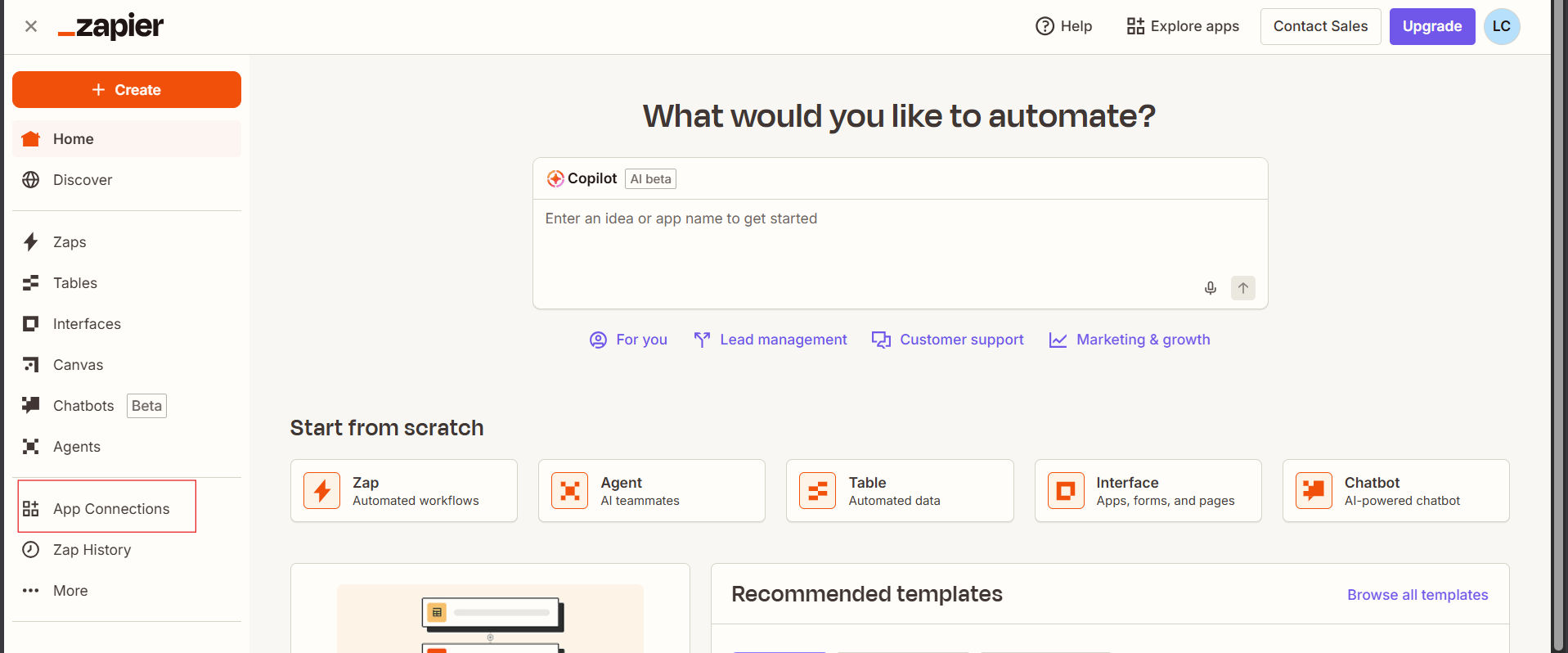
- Log in to the Zapier web portal
- Click "App Connections" in the bottom left navigation panel
Step 2: Add New Connection
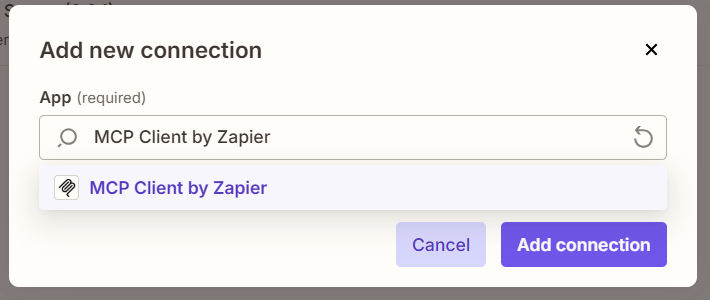
- Click "Add Connection" in the top right corner

- Search for "MCP Client by Zapier" and select it
Step 3: Configure Connection Settings
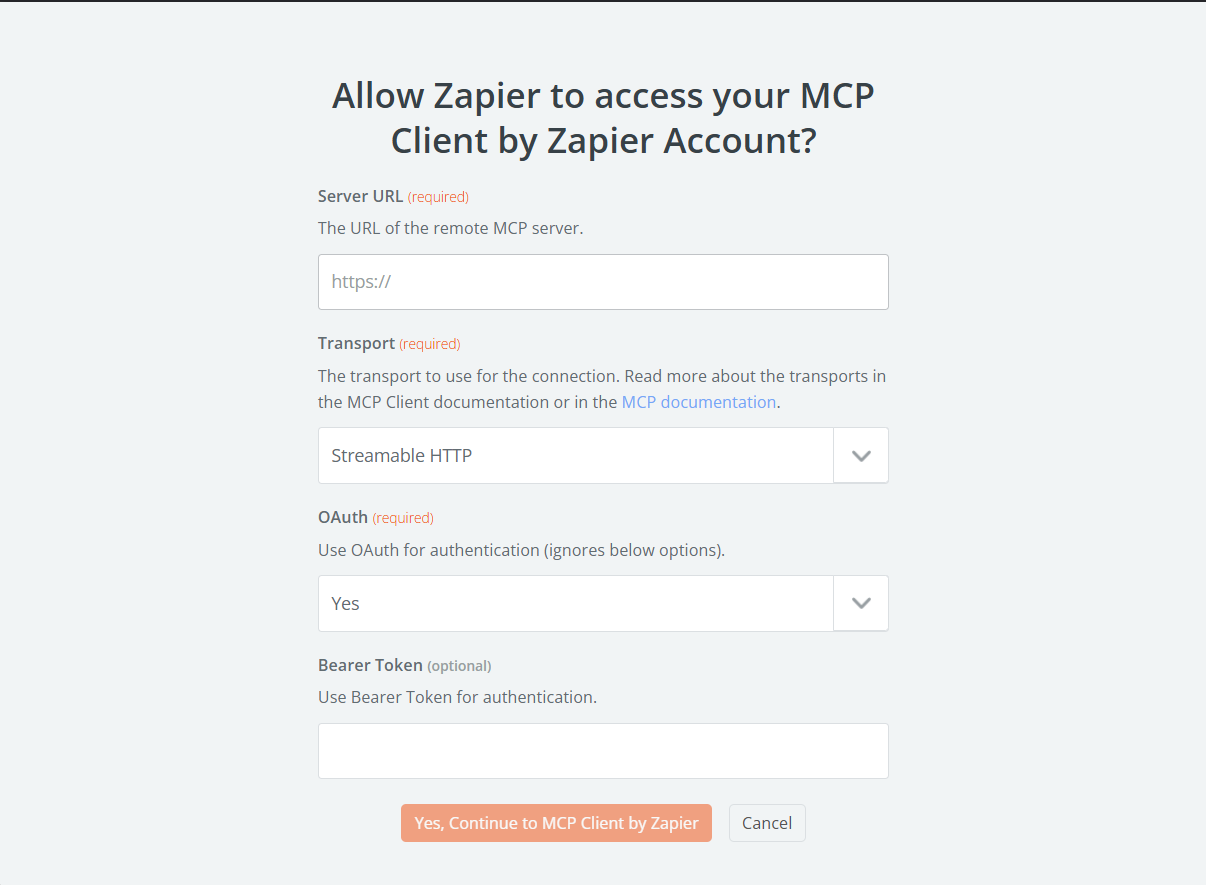
Enter the following information in the configuration form:
| Field | Value |
|---|---|
| Server URL | https://api-createos.nodeops.network/mcp |
| Transport | Streamable HTTP |
| OAuth | No |
| Bearer Token | Your CreateOS API Key |
- Log in to CreateOS
- Navigate to Profile Settings
- Copy your API key from the API Key section
Watch Tutorial →
Security Note: Keep your API key confidential and never share it publicly.
Step 4: Verify Connection
- Click "Test" or "Save" to verify the connection
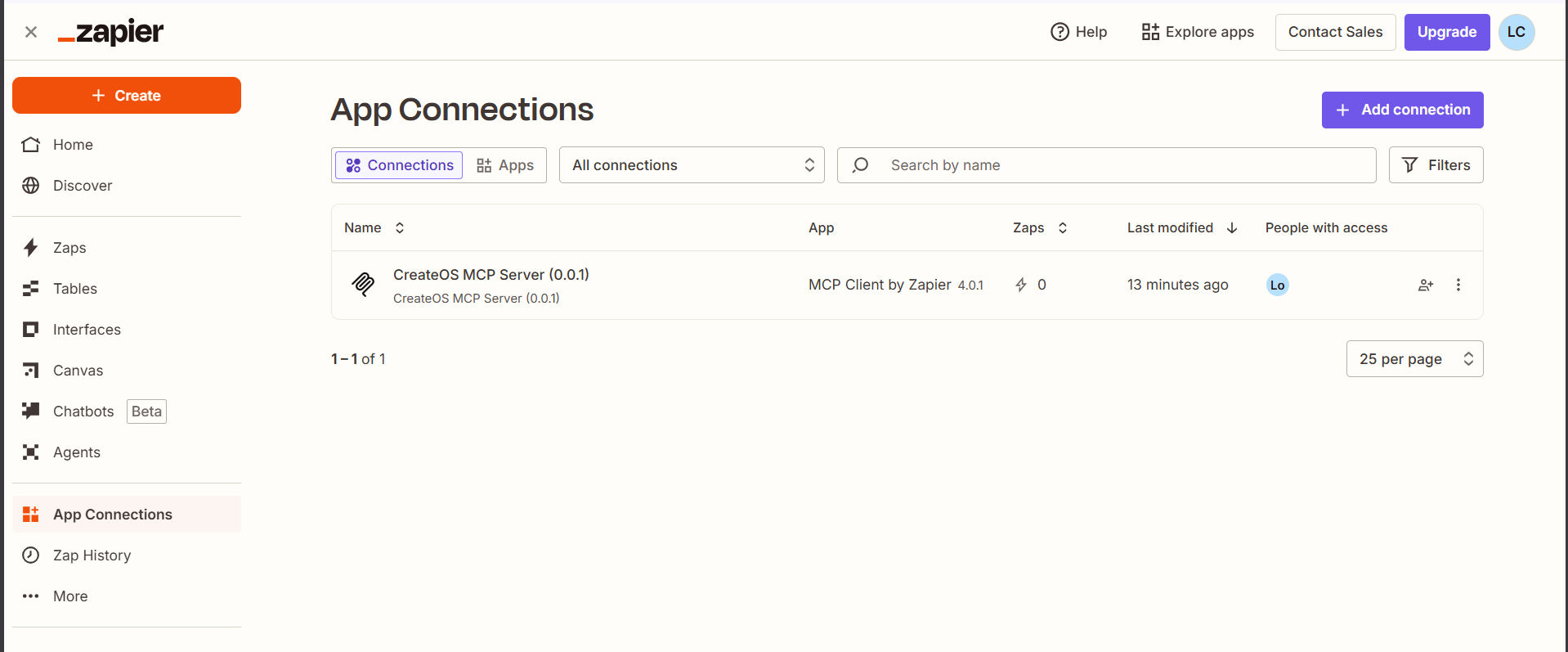
- Upon successful verification, the connection will appear in your App Connections list